
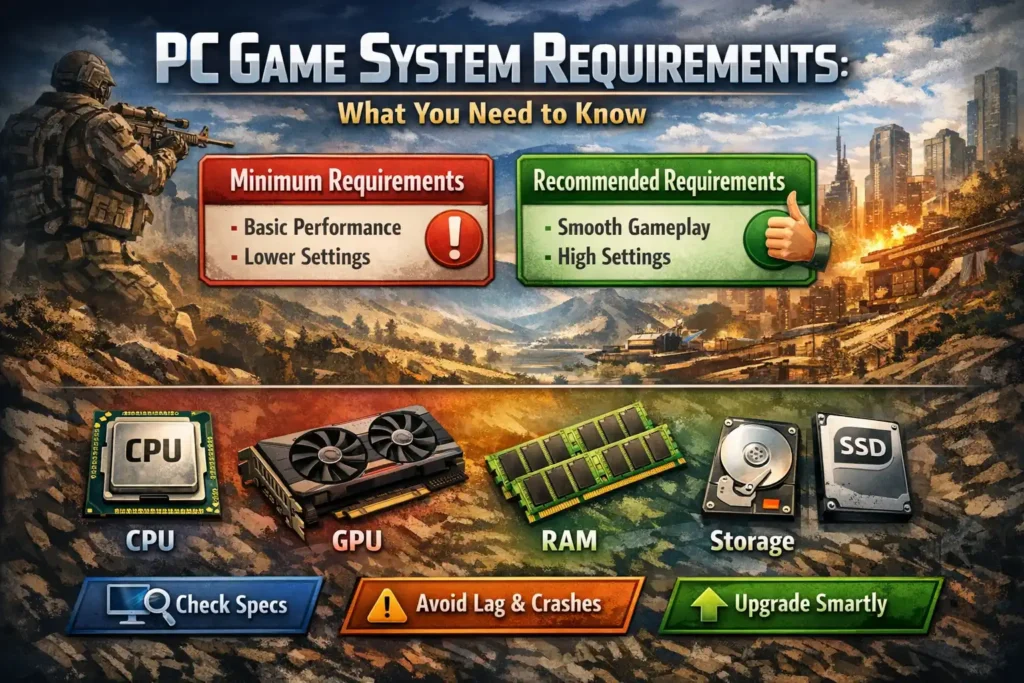
If you have ever tried to install a PC game and seen a long list of technical terms like “CPU,” “RAM,” or “GPU,” you might have wondered what they actually mean. Many beginners feel confused when a game says it needs certain “system requirements” to run properly. Some games work smoothly, while others lag, crash, or don’t even open.
Understanding PC game system requirements helps you avoid these problems. It allows you to know whether your computer can run a game before downloading or buying it. In this article, we will explain what system requirements are, how they work, and why they matter — in simple and clear language.
What Are PC Game System Requirements?
System requirements are the minimum and recommended hardware and software specifications your computer needs to run a game.
Game developers test their games on different types of computers. Based on performance, they list two main sets of requirements:
1. Minimum System Requirements
These are the lowest specifications needed to run the game. The game may run, but:
- Graphics may look poor
- Frame rates may be low
- Loading times may be long
The game is playable, but not at its best.
2. Recommended System Requirements
These tell you what hardware is needed for smooth gameplay with better graphics and stable performance. If your PC meets or exceeds these, you’ll have a better experience.
Think of it like driving a car:
- Minimum requirements = reaching your destination
- Recommended requirements = reaching comfortably and smoothly
Key Components in PC Game Requirements
Let’s break down the main parts you will usually see in system requirements.
1. Processor (CPU)
The CPU is the “brain” of your computer. It handles calculations, game logic, and background tasks.
- Example: Intel Core i5 or AMD Ryzen 5
- A weak CPU can cause stuttering, slow loading, or frame drops
Games with large open worlds or many characters rely heavily on the CPU.
2. Graphics Card (GPU)
The GPU is responsible for visuals, including textures, lighting, and effects.
- Example: NVIDIA GTX 1660, RTX 3060, or AMD Radeon RX series
- This is the most important part for gaming performance
If your GPU is too weak, the game may run at very low frame rates or not start at all.
3. RAM (Memory)
RAM helps your system run multiple tasks smoothly.
- Most modern games need at least 8 GB of RAM
- Newer or more demanding games may need 16 GB
Low RAM can cause stuttering, slow loading, or crashes during gameplay.
4. Storage (HDD or SSD)
Storage decides where the game files are saved.
- HDD (Hard Drive): Slower loading times
- SSD (Solid State Drive): Faster loading and smoother performance
Many modern games recommend an SSD for better experience, especially open-world titles.
5. Operating System
Games are designed for specific operating systems, usually Windows versions like Windows 10 or 11.
Using an outdated OS may cause compatibility issues or prevent the game from launching.
Why System Requirements Matter
Understanding system requirements saves time, money, and frustration.
1. Prevents Performance Issues
If your PC does not meet the requirements, you may face:
- Lag and stuttering
- Low frame rates
- Game crashes
Checking requirements beforehand helps avoid these problems.
2. Helps You Upgrade Smartly
Instead of guessing, you can upgrade only the parts you actually need. For example:
- Upgrade RAM if your system runs out of memory
- Upgrade GPU if graphics performance is poor
This saves money and improves performance effectively.
3. Ensures Better Gaming Experience
Meeting recommended requirements means:
- Smoother gameplay
- Better visuals
- Stable frame rates
This makes games more enjoyable and immersive.
Practical Example
Let’s say you want to play a popular open-world game.
Minimum Requirements:
- CPU: Intel i5
- RAM: 8 GB
- GPU: GTX 1050
- Storage: 60 GB HDD
Recommended Requirements:
- CPU: Intel i7
- RAM: 16 GB
- GPU: RTX 2060
- Storage: SSD
If your PC only meets the minimum requirements, the game will run but may lag during intense scenes. If your PC meets the recommended specs, you’ll get smooth gameplay with better visuals.
Common Mistakes Beginners Make
- Ignoring GPU requirements and focusing only on RAM
- Assuming all games run the same on one PC
- Buying a game without checking compatibility
- Confusing minimum requirements with recommended ones
Avoiding these mistakes can save both time and money.
How to Check Your PC Specifications
You can easily check your system details:
- On Windows, press Windows + R, type
dxdiag, and press Enter - Check CPU, RAM, and GPU information
- Compare these details with the game’s official requirements
This simple step helps you decide whether a game will run well on your system.
Conclusion
PC game system requirements exist to help players understand whether their computers can handle a game properly. They are not just technical numbers but useful guidelines that protect you from poor performance and frustration.
By learning what each component does and how it affects gameplay, you can make smarter choices—whether you’re buying a new game, upgrading your PC, or building one from scratch. Understanding system requirements is one of the first and most important steps toward a smooth and enjoyable PC gaming experience.
7 Common Reasons Why PC Games Lag and How to Fix Them