
A practical, beginner-friendly guide for smart buyers
What Are PC Game System Requirements and Why They Matter
9 Best Free Tools to Monitor Gaming Performance on PC
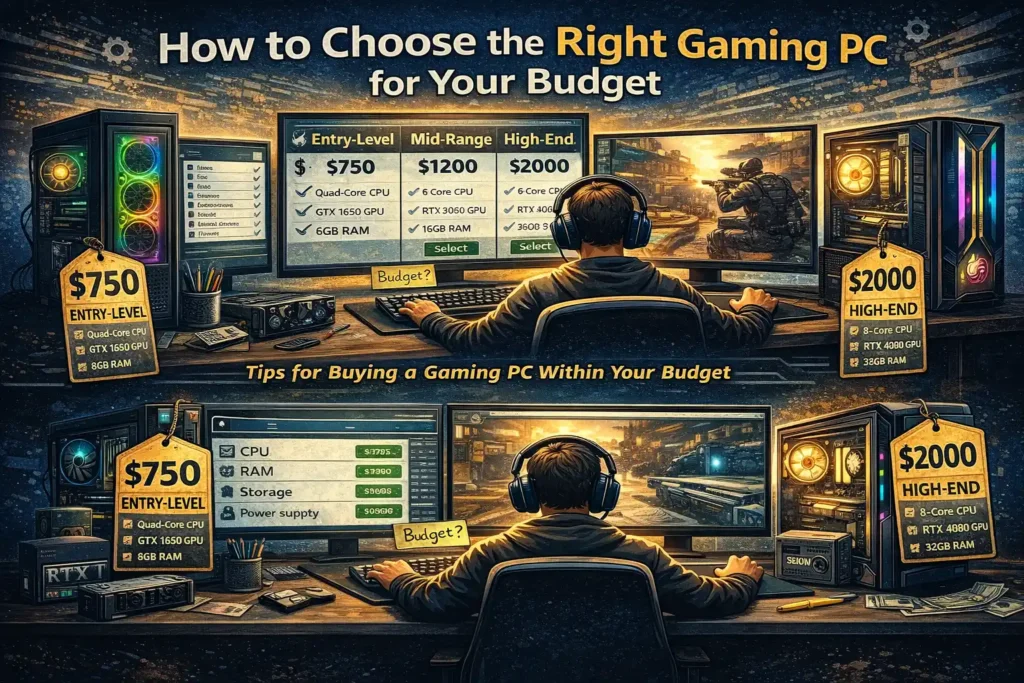
Buying a gaming PC can feel overwhelming—especially if you’re new to PC gaming. There are dozens of parts, confusing technical terms, and countless opinions online. It’s easy to overspend on things you don’t need or, worse, buy something that can’t run the games you actually want to play.
The good news? You don’t need the most expensive hardware to enjoy smooth, satisfying gameplay. With the right approach, you can choose a gaming PC that fits your budget and still performs well for the games you love.
This guide will walk you through everything step by step, in simple language, so you can make a smart and confident decision.
1. Understand What Type of Gamer You Are
Before looking at hardware or prices, take a moment to understand how you actually play games. This helps avoid overspending.
Ask yourself:
- Do you play competitive games like Valorant, CS2, or Fortnite?
- Do you enjoy story-based or open-world games like GTA V or Cyberpunk?
- Are you a casual player or someone who games daily for hours?
Why this matters:
Different games have different hardware needs. Competitive games focus on high frame rates, while story-driven games demand better graphics.
Example:
- Esports players benefit more from a strong CPU and high refresh-rate monitor.
- Single-player gamers benefit more from a powerful GPU and good visuals.
2. Decide Your Budget First (And Stick to It)
Setting a clear budget saves time and prevents overspending.
General Budget Ranges (Approximate)
- Entry-level: For light gaming and esports titles
- Mid-range: Balanced performance for modern games
- High-end: Ultra settings, ray tracing, and future-proofing
Once you choose a budget, divide it wisely between key components instead of spending too much on just one part.
Tip: Don’t spend most of your budget on RGB or looks. Performance always comes first.
3. Choose the Right Processor (CPU)
The CPU handles game logic, physics, and background tasks. A weak processor can bottleneck even a powerful graphics card.
What to look for:
- At least 4–6 cores for modern gaming
- Good single-core performance
- Compatibility with your motherboard
Example:
For competitive games, a mid-range CPU with strong single-core performance often performs better than a cheaper multi-core option.
4. Pick the Right Graphics Card (GPU)
The GPU is the most important part of a gaming PC. It determines how good your games look and how smoothly they run.
Choose based on:
- Resolution (1080p, 1440p, or 4K)
- Game types you play
- Your budget
Helpful tip:
If you mostly play esports or older titles, you don’t need a high-end GPU. But for modern AAA games, invest more here than anywhere else.
5. Don’t Ignore RAM and Storage
Many beginners underestimate how important memory and storage are.
RAM
- 16GB is the sweet spot for gaming today
- 8GB may cause stuttering in newer games
- More RAM helps with multitasking and smooth performance
Storage
- SSDs dramatically reduce load times
- NVMe SSDs offer even faster performance
- Keep at least 20–25% free space for best results
Avoid relying only on old mechanical hard drives for gaming.
6. Choose the Right Motherboard and Power Supply
These parts don’t directly boost FPS, but they affect stability and future upgrades.
Motherboard tips:
- Make sure it supports your CPU generation
- Check available RAM slots and storage options
Power Supply tips:
- Always choose a reliable brand
- Never buy cheap, unbranded power supplies
- Choose wattage with some extra headroom
A stable power supply protects your entire system.
7. Cooling and Airflow Matter More Than You Think
Poor cooling leads to overheating, which causes performance drops and long-term damage.
Basic cooling tips:
- Use at least two case fans (intake and exhaust)
- Keep cables organized for better airflow
- Clean dust regularly
Even budget systems perform better when temperatures stay under control.
8. Prebuilt vs Custom PC – Which Is Better?
Prebuilt PCs:
- Easier for beginners
- Comes ready to use
- Often cost slightly more
Custom-built PCs:
- Better value for money
- More upgrade flexibility
- Requires basic knowledge or assembly help
If you’re new, a trusted prebuilt system is fine. If you want maximum value, building your own is worth learning.
9. Common Mistakes to Avoid
Many new buyers make these mistakes:
- Spending too much on looks instead of performance
- Buying outdated hardware to save money
- Ignoring power supply quality
- Choosing parts without checking compatibility
- Not planning for future upgrades
Avoiding these can save money and frustration.
10. Final Thoughts: Buy Smart, Not Expensive
Choosing the right gaming PC isn’t about buying the most expensive parts—it’s about buying the right parts for your needs. A well-balanced system will always perform better than an unbalanced, overpriced one.
Take your time, research your options, and focus on performance where it matters most. With the right choices, even a modest budget can deliver a smooth and enjoyable gaming experience.
If you ever feel unsure, remember: a smart build beats an expensive one every time.